![Image 28-09-2023 at 11.59.jpeg]](https://141891062.hs-sites-eu1.com/hs-fs/hubfs/Image%2028-09-2023%20at%2011.59.jpeg?height=50&name=Image%2028-09-2023%20at%2011.59.jpeg)
NOTE: For anyone using a Windows Device and adding Merge Fields in Word, please use the path Insert > Quick Parts > Field before selecting Merge Field in the below list: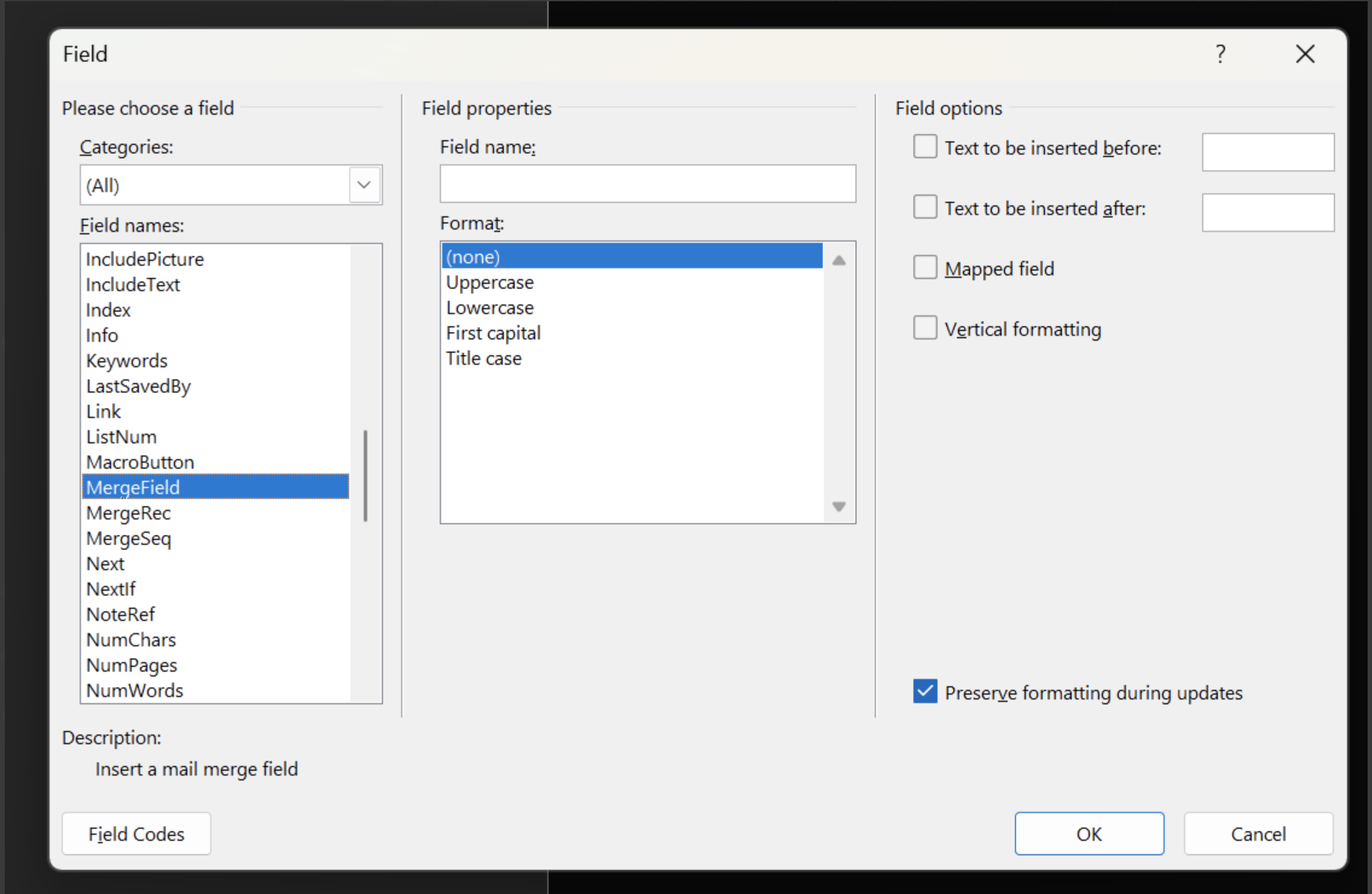
Just paste your Merge Field name in the "Field Name" bar below "Field Properties", before clicking OK to save.