![Image 28-09-2023 at 11.59.jpeg]](https://141891062.hs-sites-eu1.com/hs-fs/hubfs/Image%2028-09-2023%20at%2011.59.jpeg?height=50&name=Image%2028-09-2023%20at%2011.59.jpeg)
Please see below for a video on how to add Leave, Absence and Document Types in your HRoes system:
To add these options to your system dropdowns, first go to your Settings area and click the area you would like to add an option to.
Using Document Types, as an example, click to bring up a list of default options already in your system as well as the section to add your desired Document type:
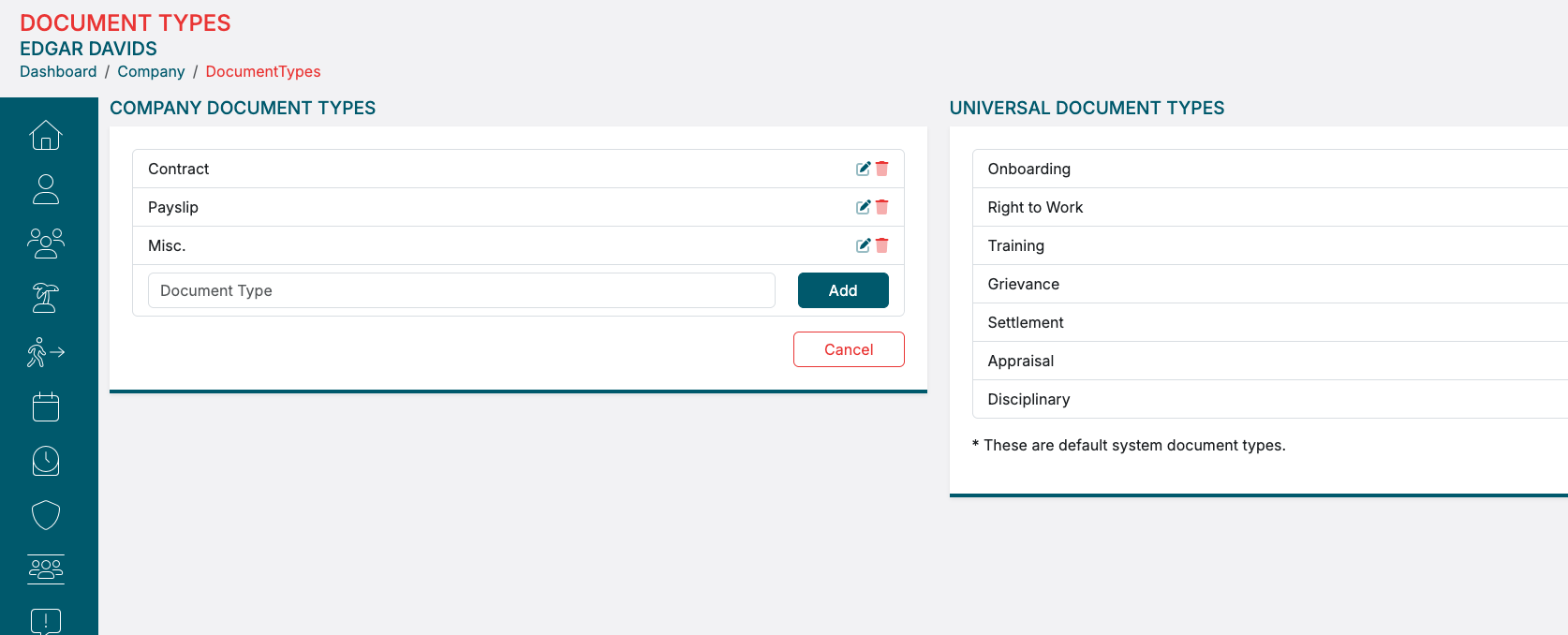
Simply type in the name of the document type you want to add in, and click save.
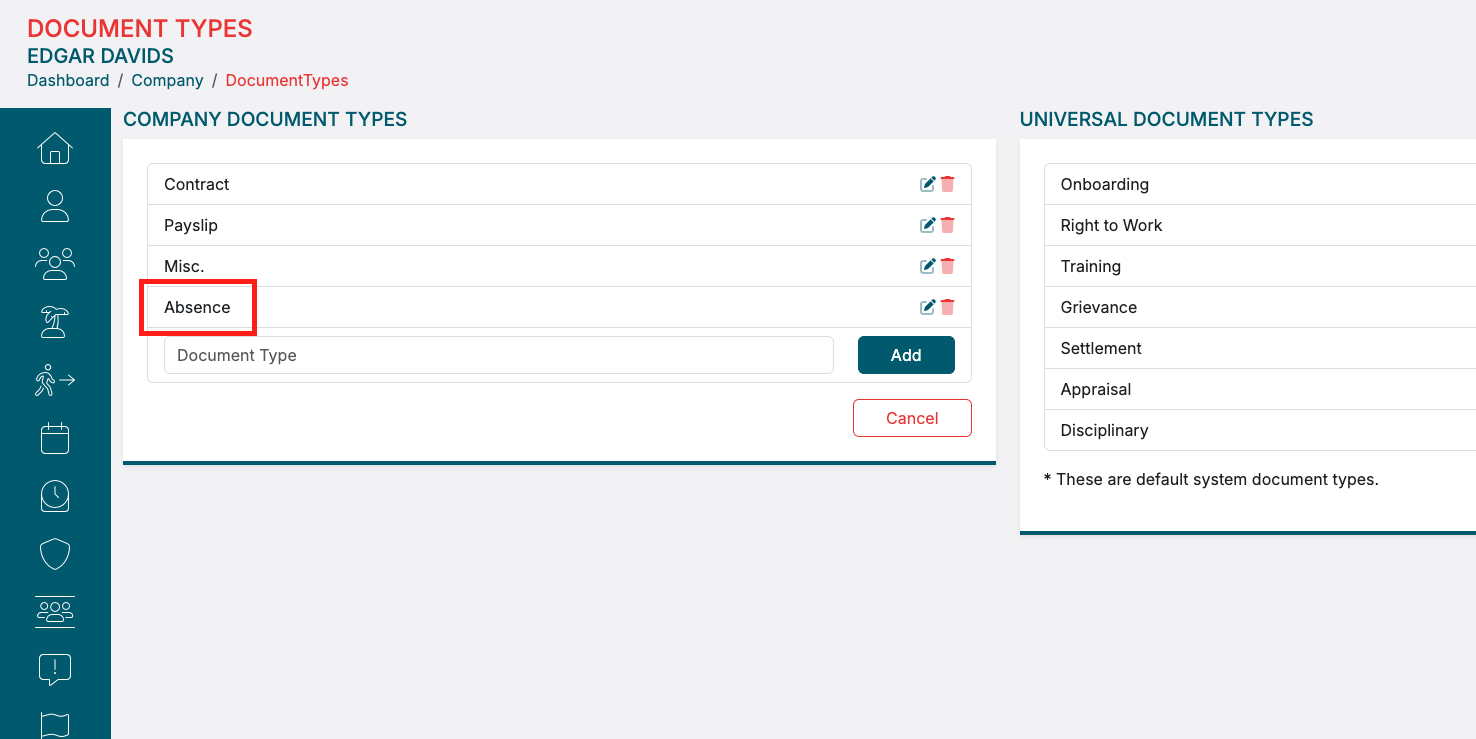
This Document Type option will now be available for selection when you add Documents in HRoes.